
Simple enough for any clinical setting
FebriDx delivers actionable results in 6 straightforward steps. No training certification required — if you can perform a fingerstick, you can run this test.
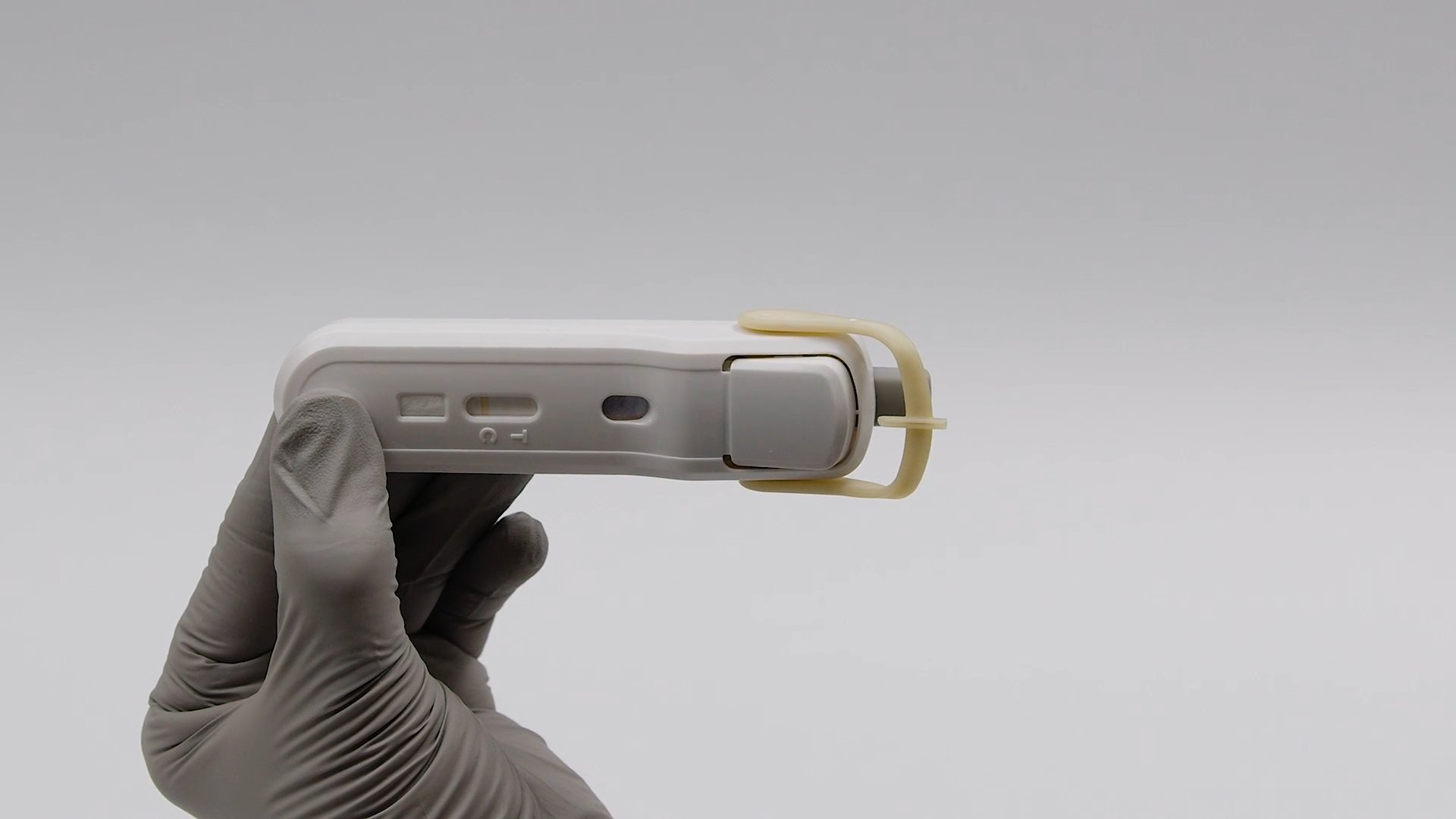
Prepare the lancet
Remove the device from its foil pouch. Twist the Protective Lancet Tab 90 degrees and pull to remove. Select and cleanse the patient's finger.
Note: The lancet is a single sterile barrier system. Do not use if the protective tab has been previously removed.
Lance the finger
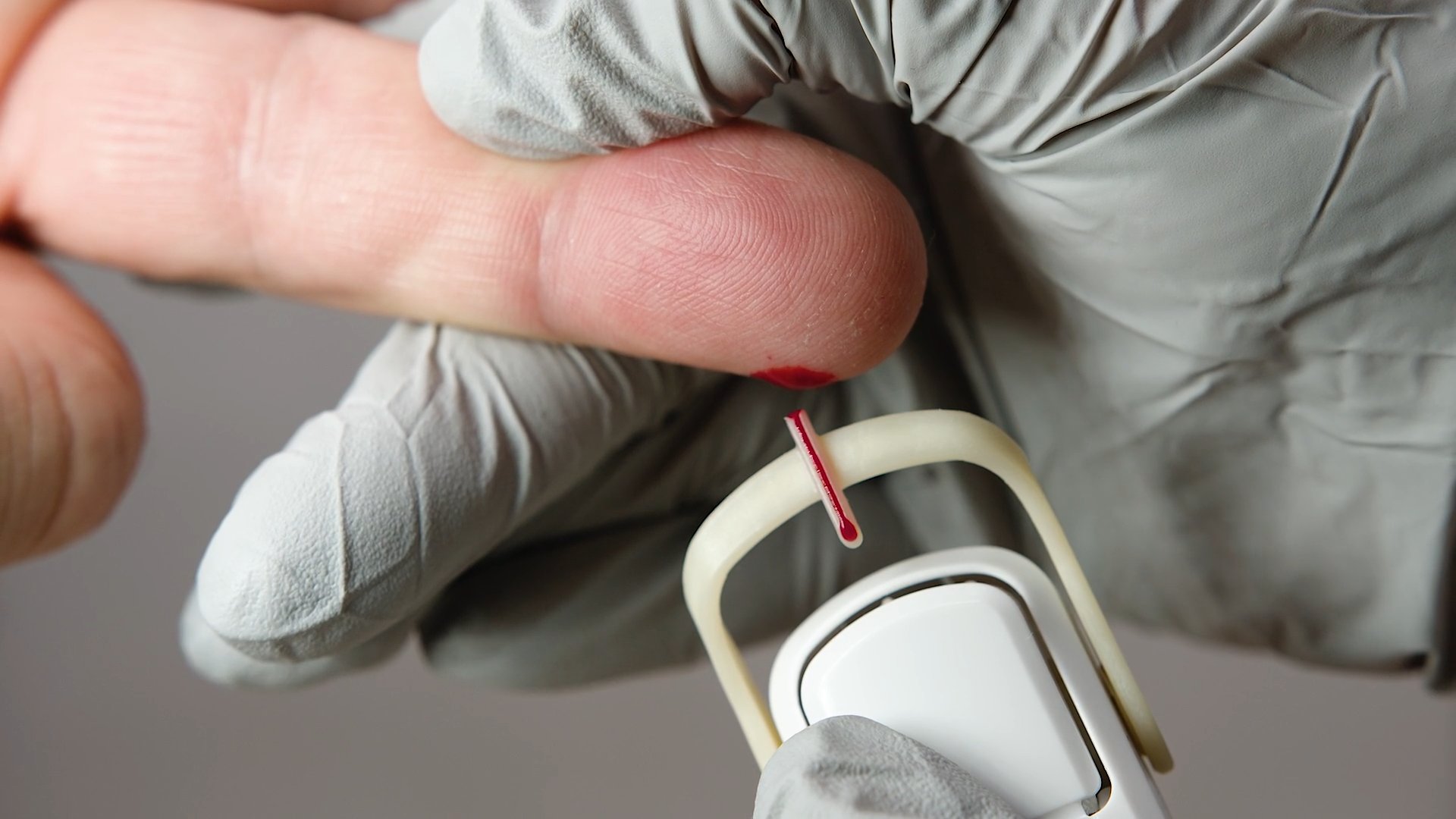
Firmly press the lancet against the finger to puncture the skin. Wipe away the first drop of blood. Massage the entire finger from base to tip to obtain a large drop of blood that hangs from the finger.
Note: Use standard precautions for collecting and handling a fingerstick blood sample.

Collect blood sample
Place the Blood Collection Tube below the finger, ensuring it only touches the hanging drop of blood and not the finger. Fill the tube completely.
Note: WARNING: Incomplete filling of the Blood Collection Tube could lead to erroneous test results.
Transfer blood to test strip
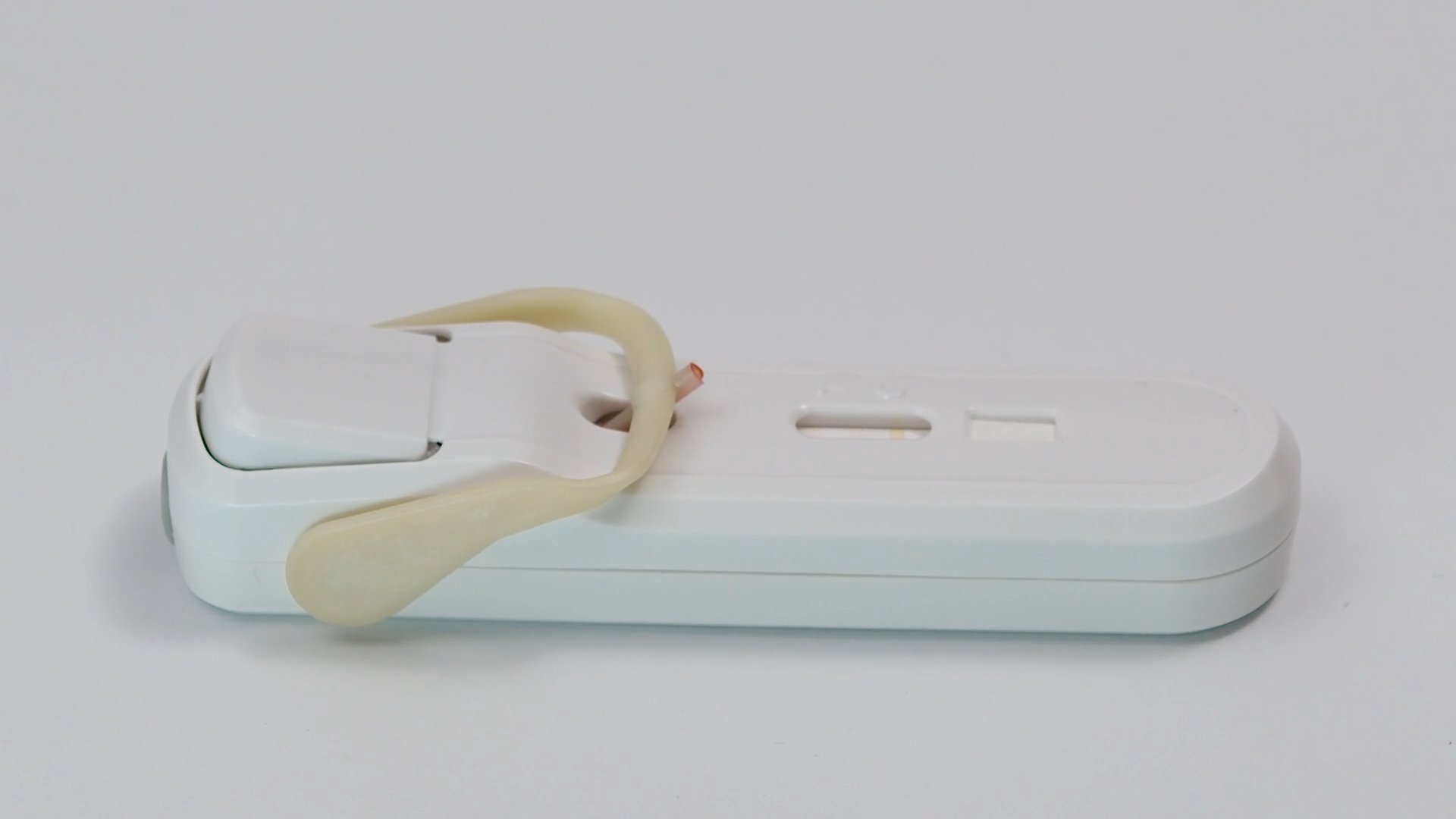
Lay the test on a flat surface. Rotate the Blood Collection Tube to make contact with the Test Strip. If blood does not immediately transfer, reverse and retry.
Note: The device is designed to proceed in sequential order with locking mechanisms to prevent skipping steps.
Deliver buffer
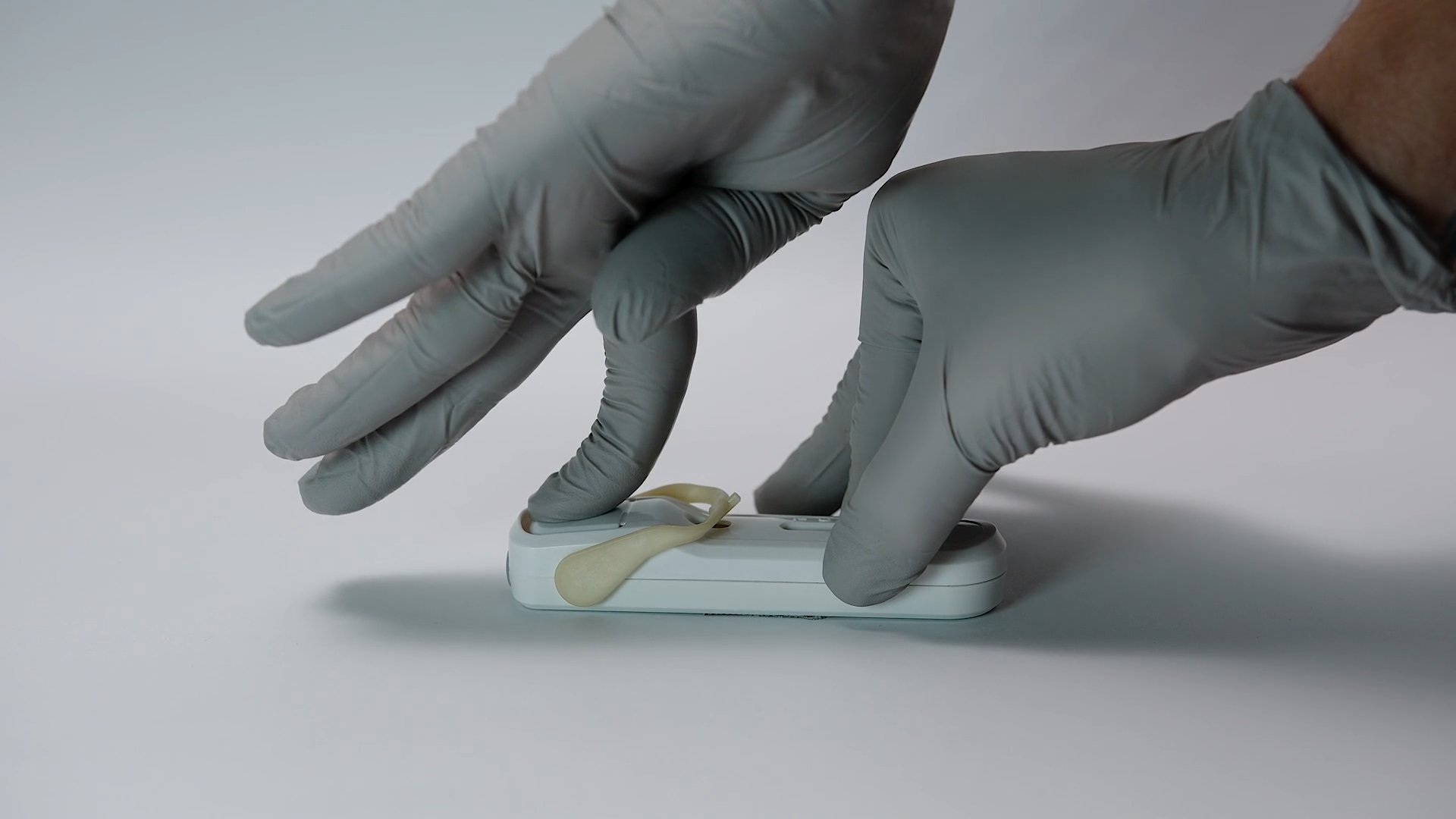
Firmly press the Buffer Release Button until it clicks to deliver the buffer. If blood is not visible in the Result Window within 30 seconds, press again until clicking is audible.
Note: The running buffer contains leukocyte membrane lysing agents that release intracellular MxA for detection.
Read results after 10 minutes
Wait for at least 10 minutes for the blood to clear the Result Window. Verify the blue control line is present. Read the result lines.
Note: Do not read results before blood has cleared the Result Window or after 1 hour.
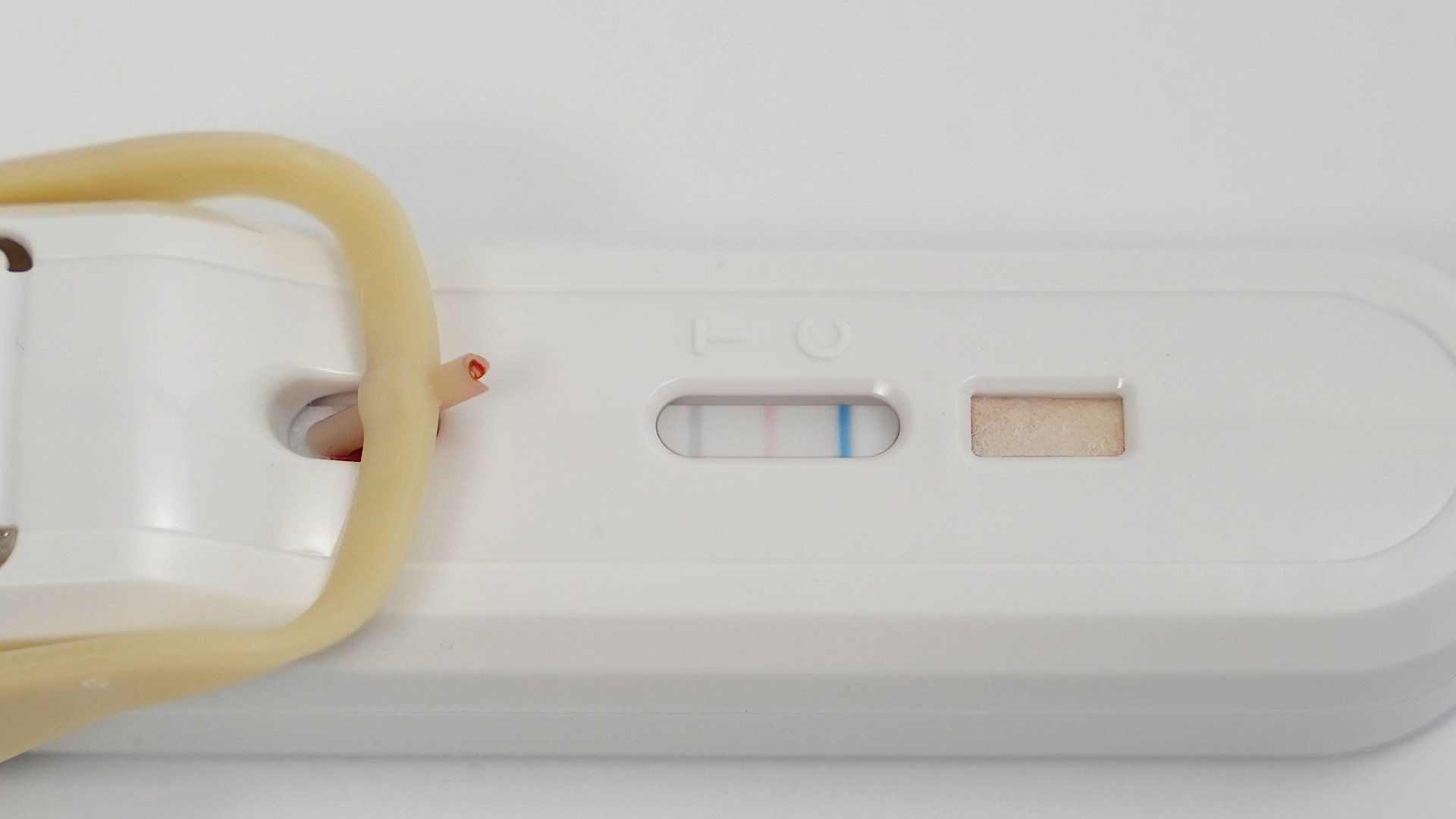
Readingyourresults
Bacterial Infection
A black only result line is interpreted as bacterial infection. A blue control line shows the test is valid.
Action: Consider antibiotic therapy based on clinical assessment.
Non-Bacterial Etiology
Any test with a red result line (MxA) or no result line is interpreted as non-bacterial. A blue control line shows the test is valid.
Action: Antibiotics are not indicated. Supportive care and symptom management.
Invalid
The absence of the blue control line indicates an invalid result. Discard and retest with a new FebriDx test.
Action: Retest the patient with a new device.
Faint or incomplete result lines should still be interpreted as positive, as long as a control line is present. Results should always be used in conjunction with clinical assessment.
Watchthetrainingvideo
Complete step-by-step demonstration of the FebriDx test procedure.